📄How to read & print PDFs to share mini-comics & zines!
📖How to READ a PDF in “2-PAGE VIEW” Mode:

❌ Reading a PDF in “single page” view means you’re missing the 2-page spreads!
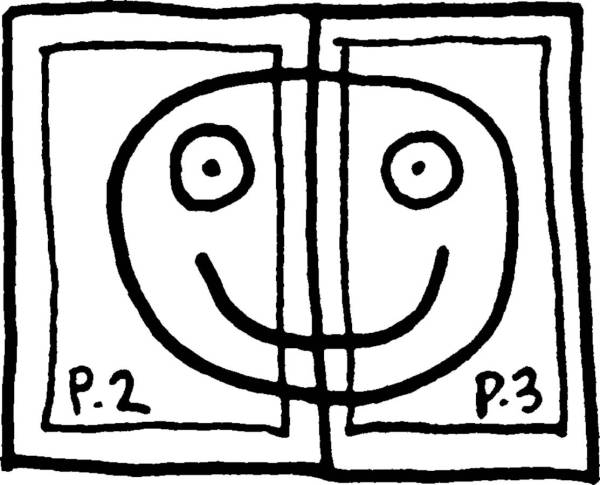
✔️ In your Adobe Acrobat reader, select:
VIEW / 2-PAGE VIEW

⚠️ To avoid viewing the WRONG 2-page spreads, also select:
VIEW / SHOW COVER PAGE
🖨️How to PRINT a PDF in “BOOKLET” Mode:

The basic idea:
- Print (“booklet” mode / 2-sided)
- Fold in half.
- Saddle-stitch staple.
- Read!
STEP BY STEP INSTRUCTIONS:
Print out all pages in “BOOKLET” mode, 2-sided. Stack in order.
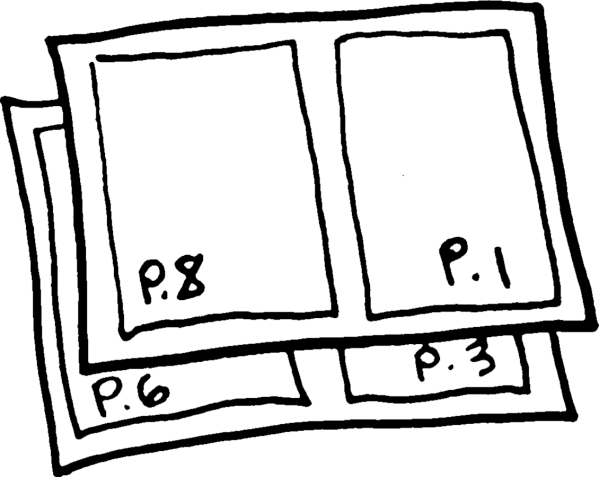
Fold stack in half (along spine of booklet).

Open booklet & use long-arm stapler to saddle-stitch along spine. (Make sure sharp teeth of staples end up INSIDE the center of the book.)

Open book & read!

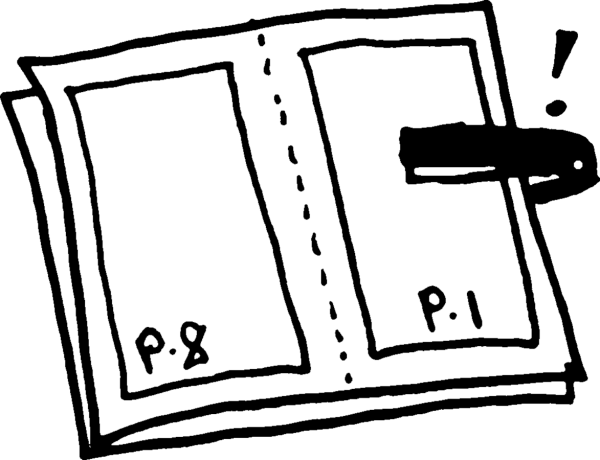
⚠️NOTE: Some desktop staplers may not reach far enough to saddle-stitch staple the spine! If this happens, DO NOT pinch-staple the booklet…
Here’s what to do:
Fold over the back half of the book, until your desktop stapler will reach the spine…
✅Then you can saddle-stitch, unfold, & read!


🗨️QUESTIONS?
CONTACT ME >>
